By AI Video School · Nov 18, 2026 · 7:39 · 559 views on YouTube
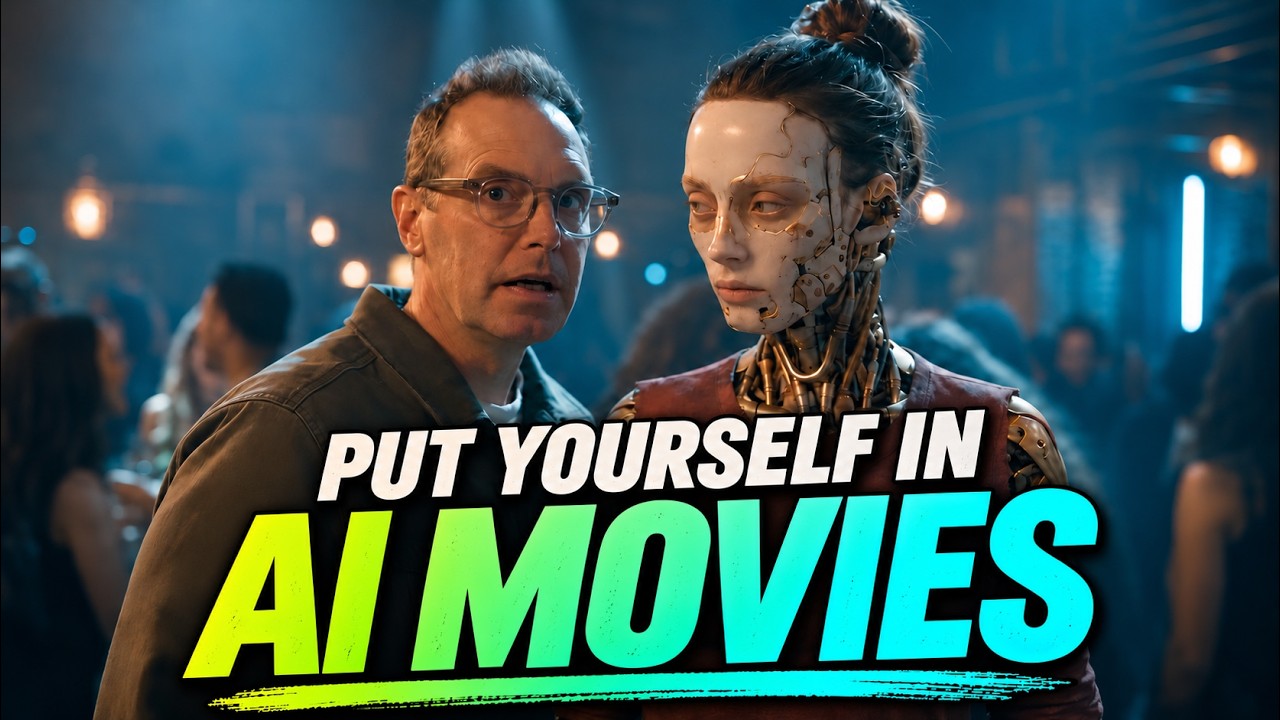
Does This AI Realism Hack Actually Work? (Seedance, WAN, Kling, Google Omni) is an AI-made video from AI Video School, featured on MetaMovies, the home of AI movies, AI filmmaking news and tutorials. Press play above to watch it here.
About this video
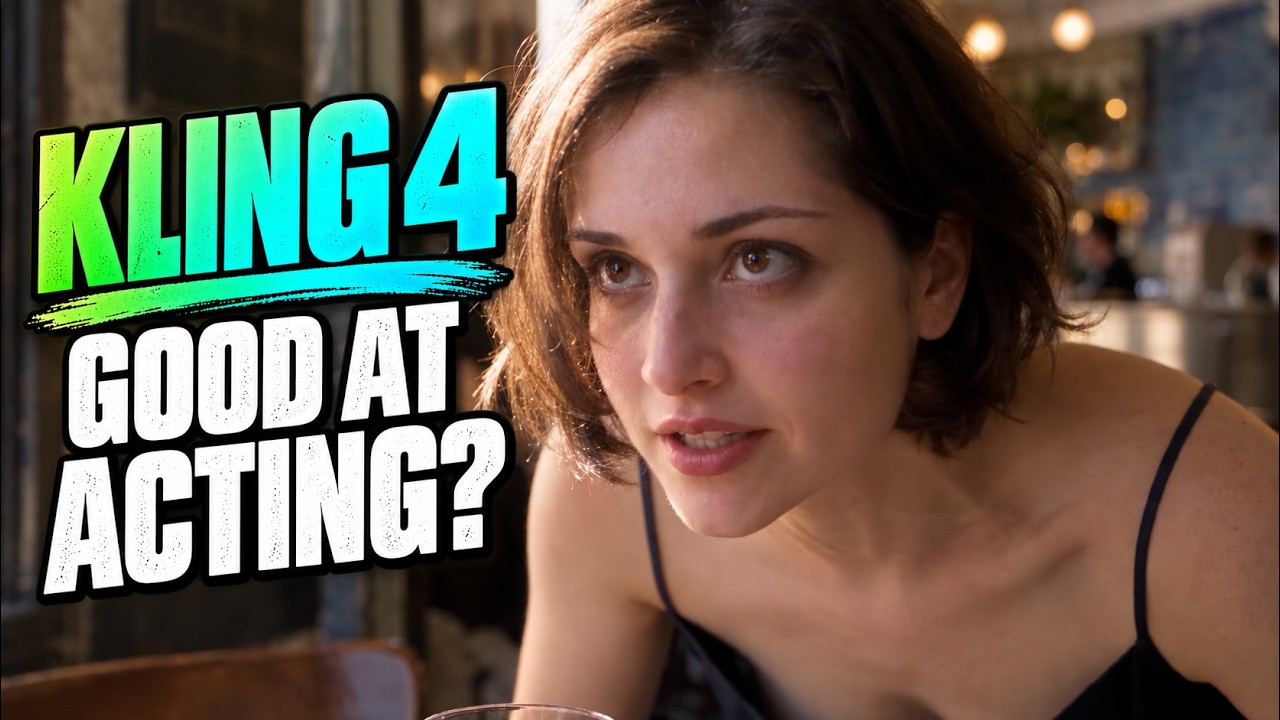
Does adding camera names, lenses, and f-stop settings to your prompts actually make AI video look more realistic? I tested camera language against plain-English visual descriptions across Kling 4, Seedance 2.5 Flash, WAN 3, and Google’s Gemini Omni 1.2 Flash in OpenArt. Try for yourself on OpenArt: https://tolt.link/aivideoschool-camera-hack
40% Black Friday Sale!
Missed it? Use 15% Discount Code: AIVS15
The first text-to-video test compares three approaches: camera specifications, the visual effect I want, and both together. Then I compare camera specs against visual descriptions across close-up, medium, and wide shots.
My takeaway? In these tests, the differences between models stood out more than the differences between prompts. Adding camera language didn’t produce any noticeable difference in realism in these prompts, plus none of the models document supporting it.
If you’ve been packing your prompts with camera jargon, this experiment may help you simplify your approach and focus on describing the shot you actually want.
This video is sponsored by OpenArt.
CHAPTERS
00:00 Does listing camera names and lenses in prompts improve AI realism?
00:30 The four models being tested
00:59 Camera specifications vs. visual descriptions
01:42 Test 1: Three prompting approaches
03:42 What stood out in the first test
03:58 Test 2: Close-up, medium, and wide shots